Managing Subscriptions & Templates In-App
SierraBooks Invoices offers a unified command center inside your mobile application to track and manage both standard accounting templates synced from QuickBooks Online (QBO) and custom card-billing profiles for Stripe or Square.
To access your in-app subscriptions panel, navigate to: (from your side drawer or main navigation menu).
—
💳 Card Subscriptions (Stripe & Square Profiles)
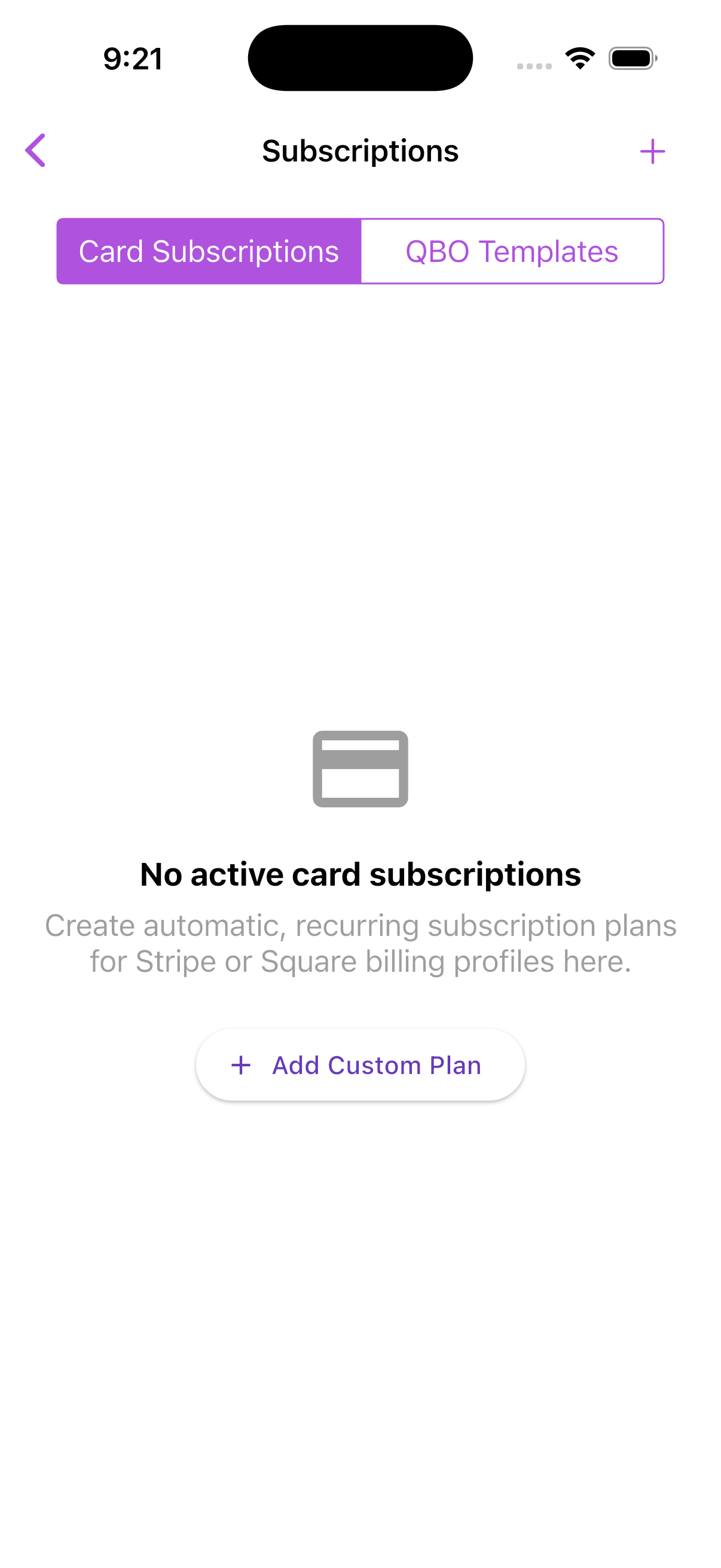
Under Card Subscriptions, you can create and monitor automatic billing templates linked to credit card billing gateways (such as Stripe and Square). This allows you to set up automated client billing plans without needing manual invoice creation every cycle.
Key Capabilities:
Custom Billing Templates: Design bespoke client plans containing specific transaction models (Invoices or Sales Receipts).
Multi-Gateway Support: Toggle between Stripe or Square processing pipelines on a per-plan basis.
Frequency Schedules: Set recurring periods including Weekly, Monthly, or Yearly intervals.
Instant Client Binding: Associate customer billing keys (e.g. Stripe Customer IDs) directly to the automatic ledger profile.
All custom plans are securely saved within separate spaces. This guarantees your background accounting synchronization jobs never conflict with or delete your live Stripe/Square payment schedules.
When you tap Add Custom Plan and fill out the name, interval, amount, and gateway preferences, the plan instantly updates and displays in your list ready to be executed or managed.
—
☁️ Syncing QuickBooks Online Templates
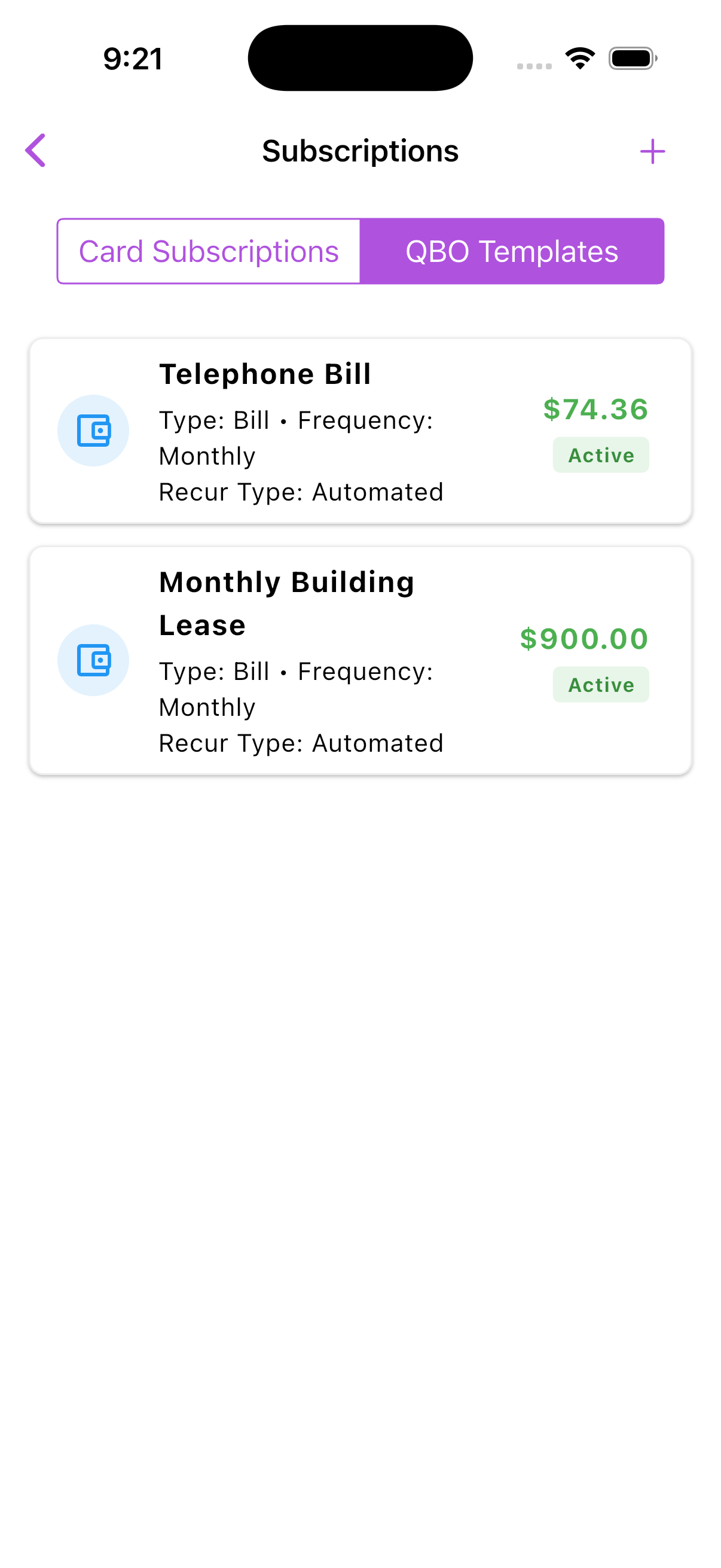
Under QBO Templates, you can view all recurring templates synced directly from your QuickBooks Online company account.
Read-Only Sync Rules
To maintain absolute database integrity and conform to Intuit API guidelines, all recurring QBO templates are fetched in a read-only configuration.