Edit Purchase Order Lines
.
Pages.
Main Page –> Transactions –> Purchase Orders –> Edit Purchase Order
-
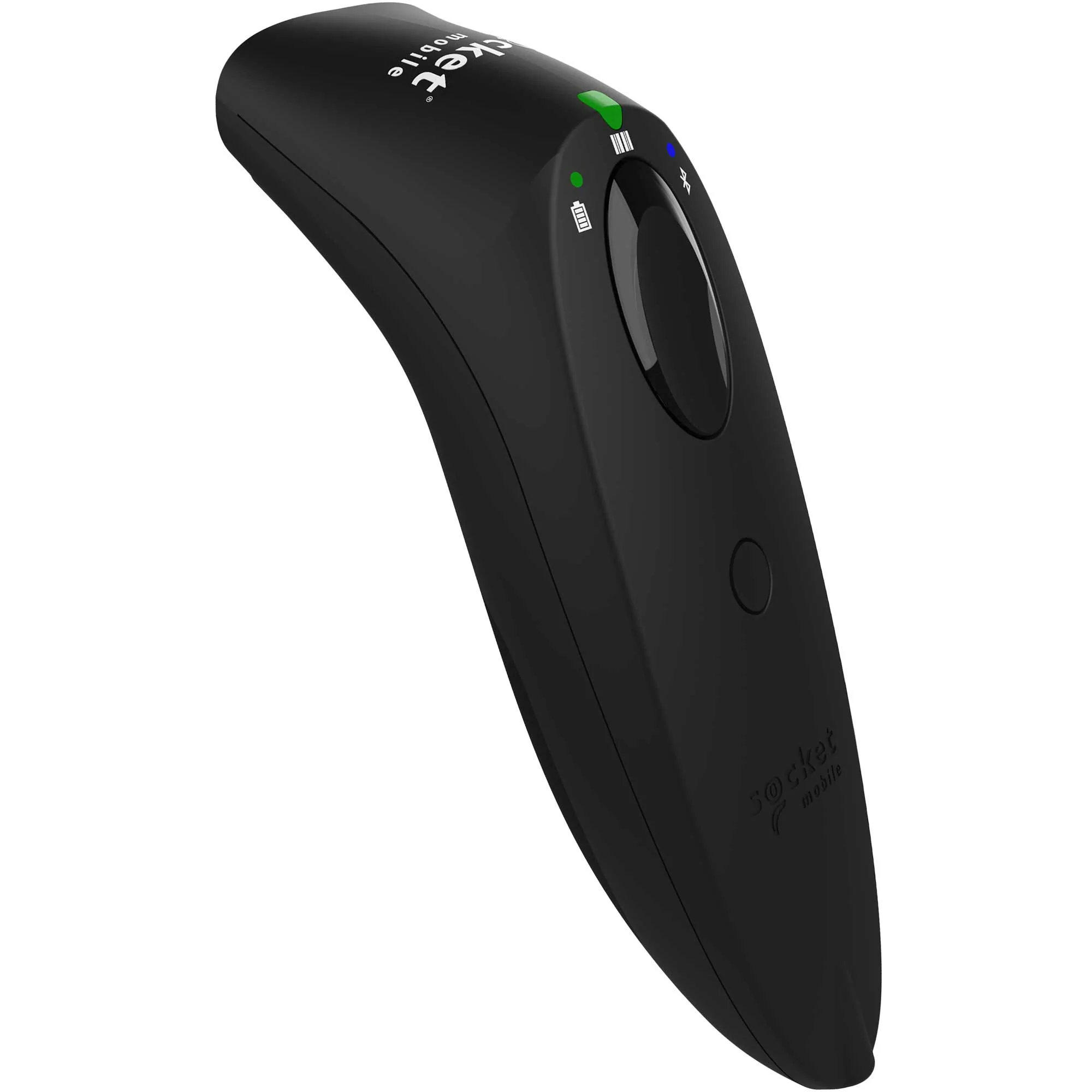
To use a Socket Mobile Bluetooth scanner SOCKETSCAN 700 SERIES see Socket Mobile.
If an item is scanned it will be automatically added to the transaction’s lines once the item’s SKU match.
To pair a Socket Mobile Bluetooth scanner with your iOS or Android device see Pair Socket Mobile.
Install the app companion App Companion.
SocketCam (Camera Barcode Scanning): Don’t have a hardware Bluetooth scanner? On mobile and tablet devices, you can toggle on Camera Barcode Scanner (SocketCam) under Barcode Scanner Preferences to turn your device’s built-in camera into a high-performance barcode reader.

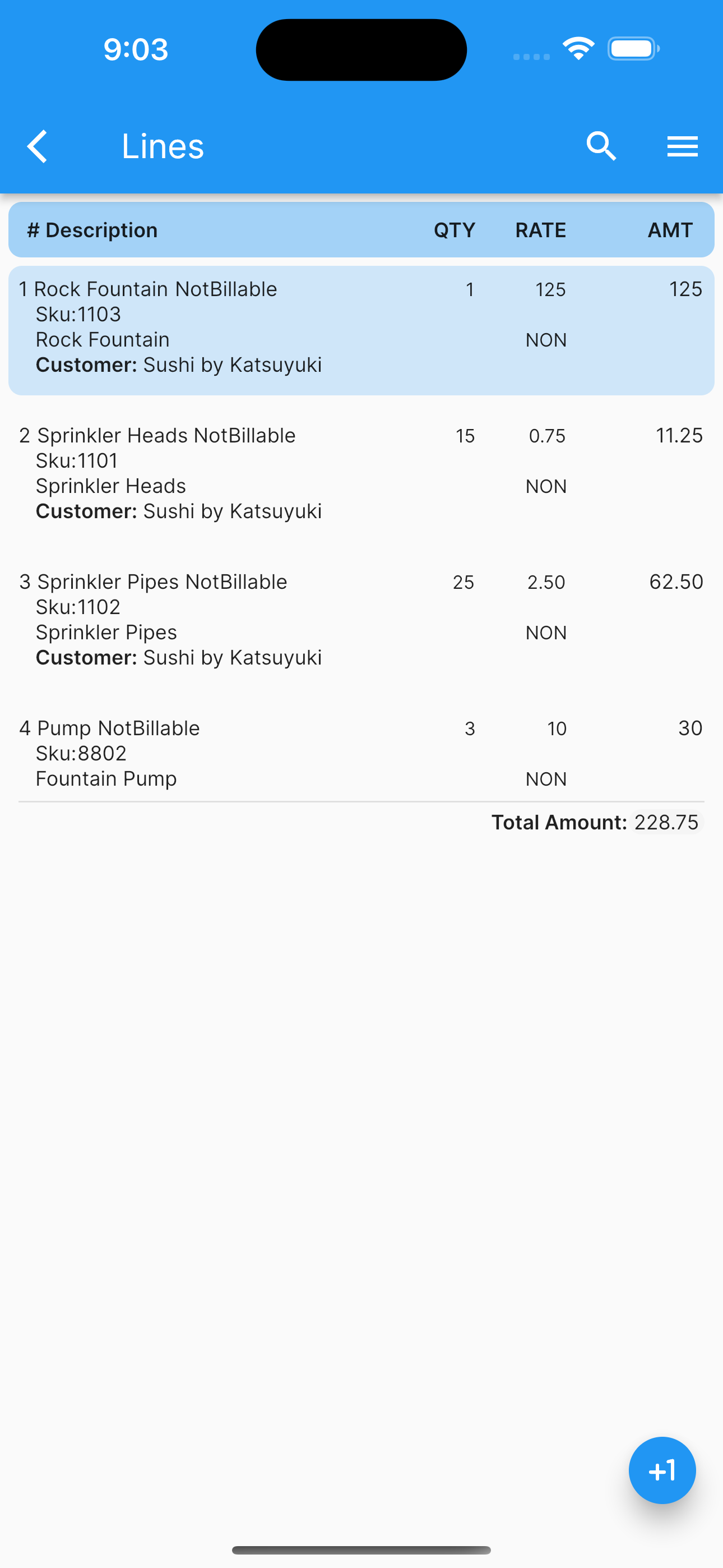
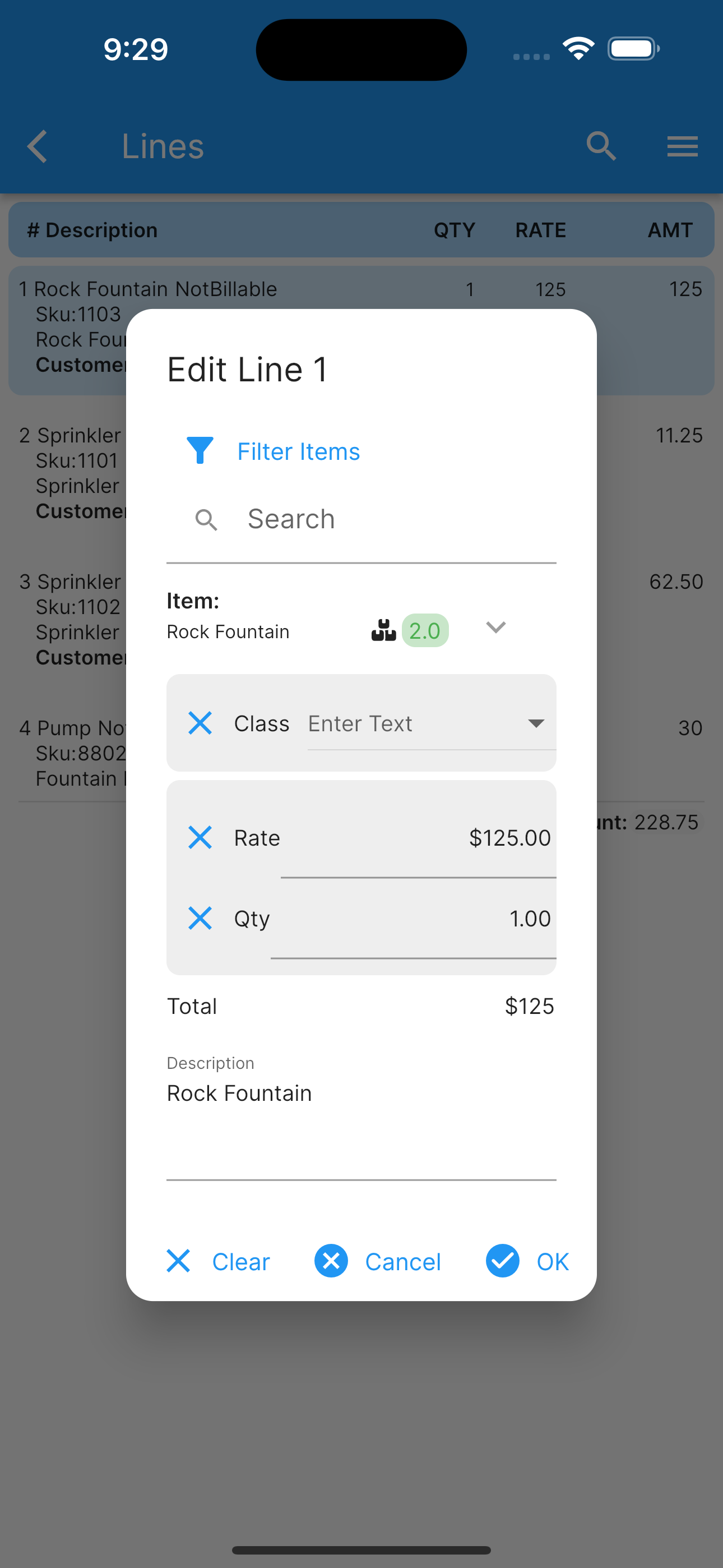
Once you are editing a purchase order’s line, you can change.
Product or service name.
Product or service description.
Product or service Qty.
Product or service rate.
Taxable ?
Class.
The icon at the bottom indicate you can add an invoice’s line.
Any data changed or created, the app will ask, while exiting the page for:
Back, to add more changes.
Cancel, to discard changes.
Ok, to save it.
Once the data is saved, the changes will propagate to any mobile user of the app, seamlessly.
More screenshots.
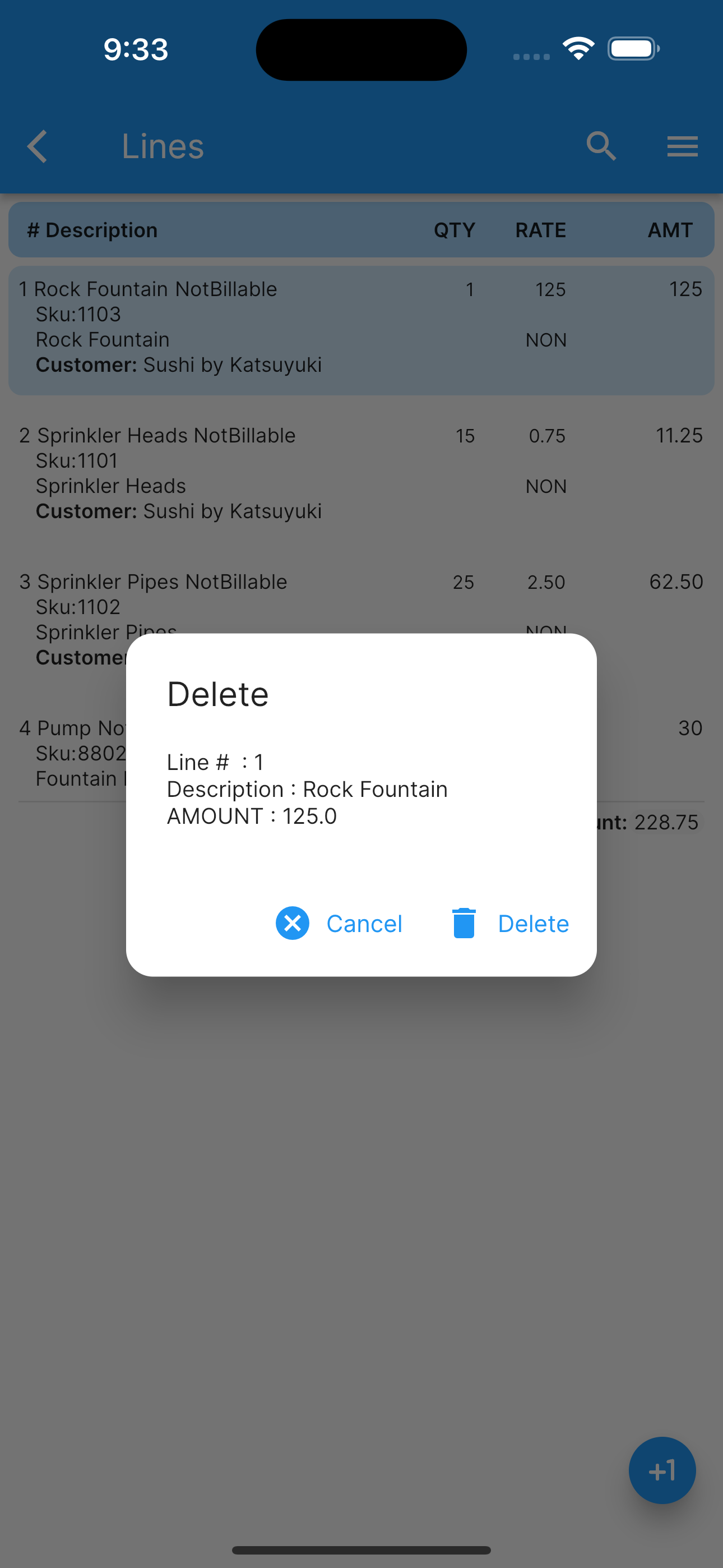
List View Delete a Line Edit Selected Line Fields